
Help
Export your AncestryDNA file, upload it, and understand how Pathway Health Science uses your data.
AncestryDNA .txt only
Educational only
Private by default
How to export your AncestryDNA file
You’ll upload a .txt file downloaded from AncestryDNA. Don’t upload a PDF, ZIP, or screenshot.
File type: .txt
Keep the header rows
-
1Go to Account SettingsLog in to Ancestry.com. Click your profile icon (top right) → Account Settings.
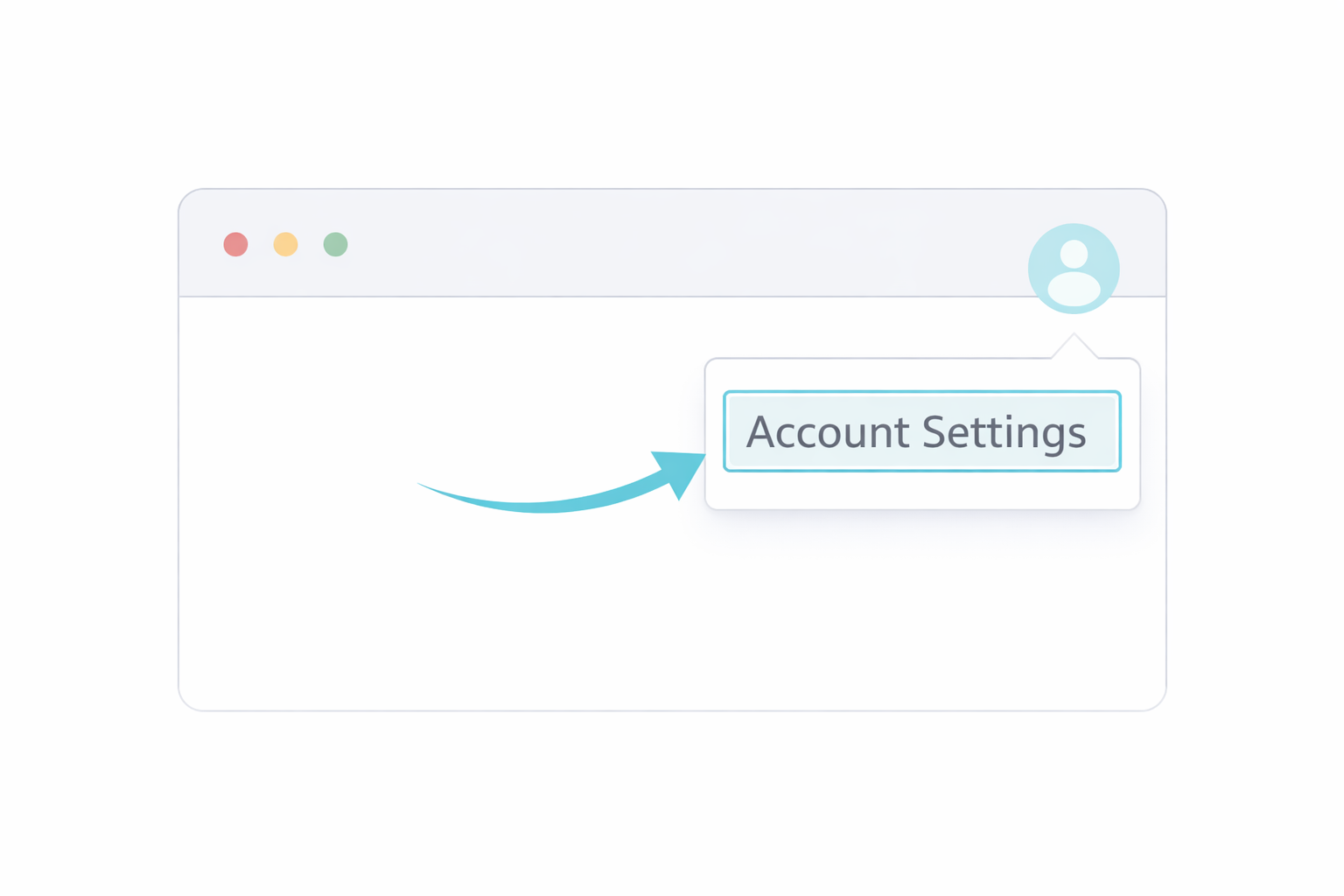 Profile menu → Account Settings
 -
2Open your DNA settingsIn the left menu, click DNA. Select your name/test if prompted.
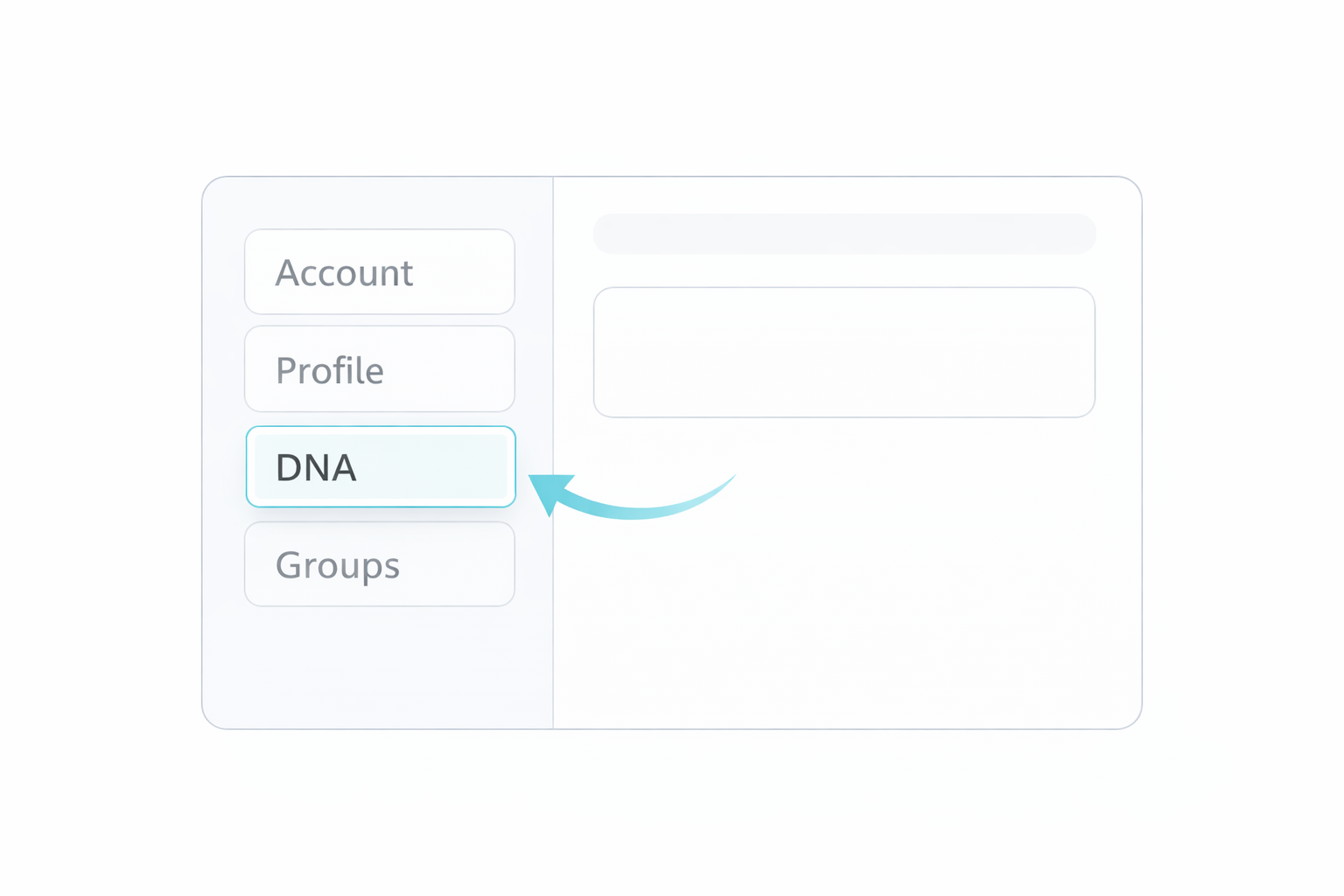 Left menu → DNA
 -
3Request your DNA downloadScroll to Download or delete, then click Download DNA data.
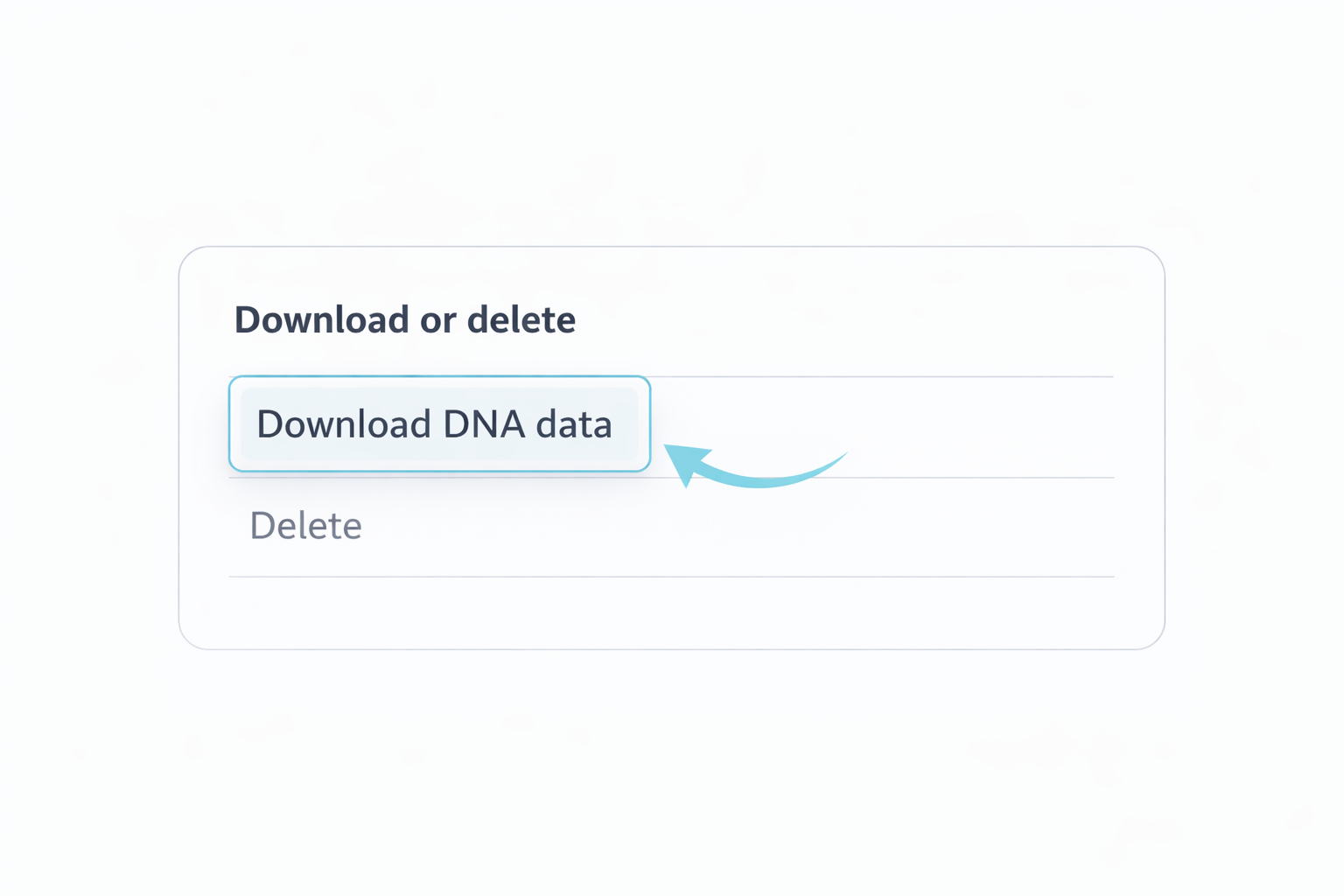 Download or delete → Download DNA data
 -
4Confirm & verifyCheck the consent box and continue. Then verify your account (email or password). The download email usually arrives within a few minutes, but can take up to 24 hours.
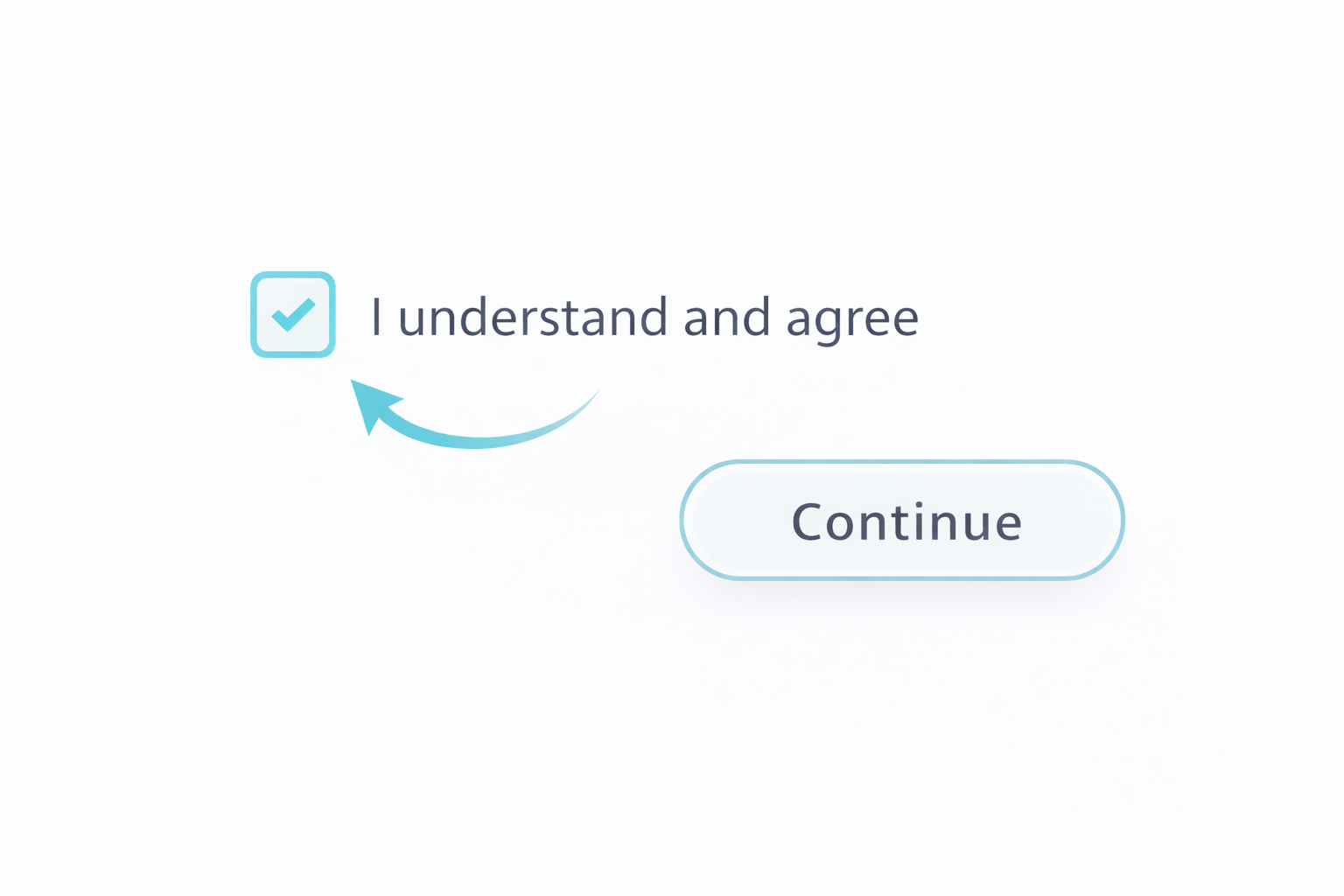 Consent → verify account
 -
5Download the ZIP, extract the .txt, then uploadUse the download link emailed to you. Extract the ZIP and upload the .txt on Upload.
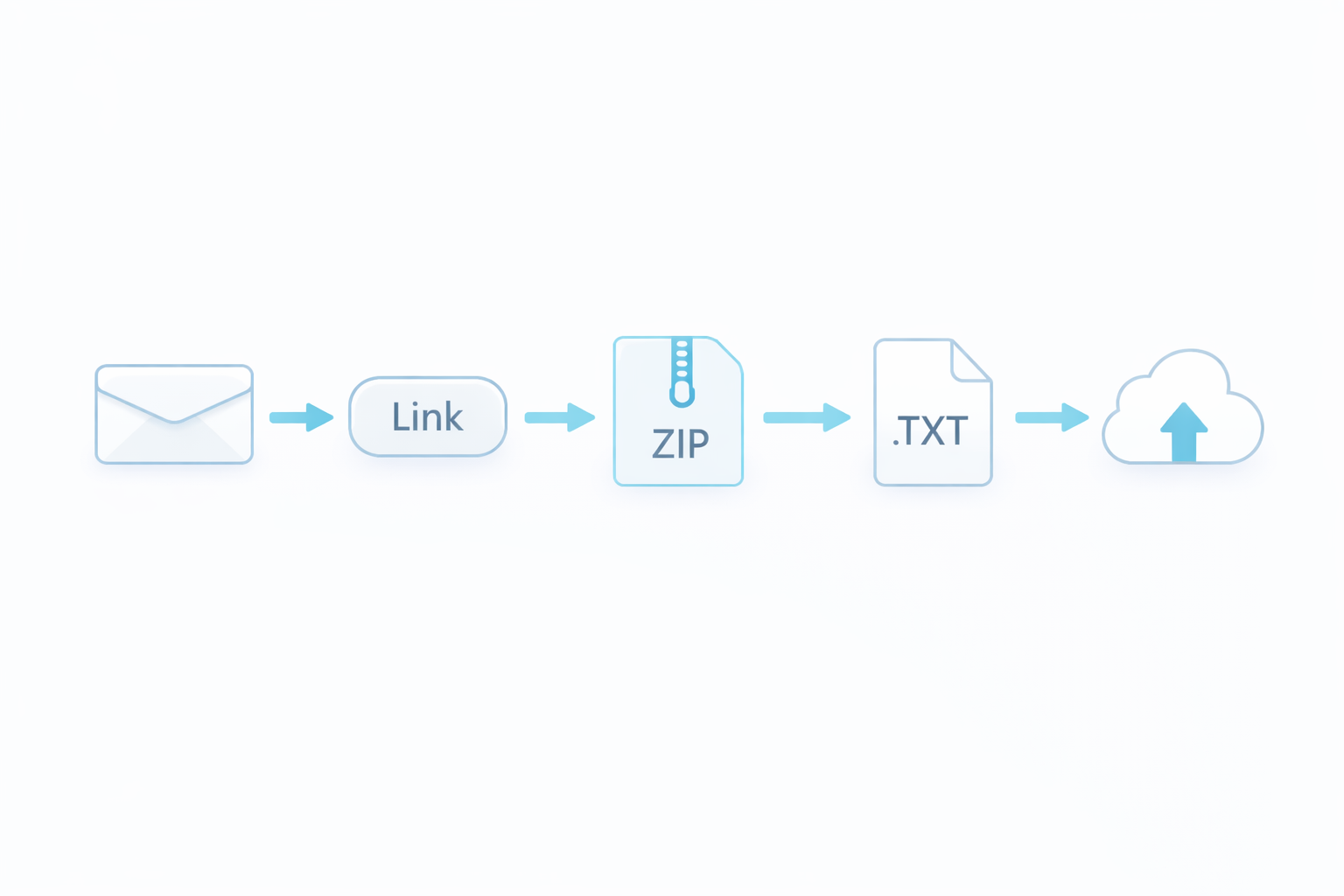 Email link → ZIP → .txt → Upload
What does a valid file look like? click to expand
- It’s a plain-text file ending in .txt.
- It usually starts with a few header/comment lines, then a table of rows.
- It contains columns like rsid, chromosome, position, allele1, allele2.
- Don’t edit the file. Don’t remove the header lines.
Troubleshooting
Most upload issues come from file type, size, or an incomplete download.
Upload button is disabled
- You may already have an active upload processing. Wait for it to finish.
- If the page says “one active upload per account,” that guardrail is working as intended.
- Refresh the page if your connection dropped during processing.
Upload fails immediately
- Confirm the file ends in .txt.
- Re-download from AncestryDNA if the file is empty or unusually small.
- Try a different browser if the file picker behaves oddly.
Progress gets stuck
- Leave the tab open - processing can take a few minutes for large files.
- If it hasn’t moved for a long time, refresh once. The server keeps working in the background.
- If it repeatedly fails at the same stage, re-download the file and upload again.
I uploaded the wrong file
If you uploaded the wrong file, you can usually upload again right away if the upload fails immediately (for example, an unsupported file type). If the upload is accepted and processing starts, wait for it to finish. If your account is limited to one upload, you may need to delete the existing upload before uploading a replacement.
Important disclaimer
This is educational guidance, not medical care.
Limits of DNA-based insights
- Genes are only one piece of the puzzle. Sleep, training, diet, stress, and environment matter a lot.
- Many genetic effects are small and can vary by population and study design.
- Your results may change as the science and our pipeline improve.
How to use recommendations safely
- Start with small changes and track how you feel for 2-3 weeks.
- If you have a condition, are pregnant, or take medication, check with a clinician before making big changes.
- Stop if you experience pain, dizziness, or unusual symptoms.